B2B CRM
Dual-Database Internal Tool
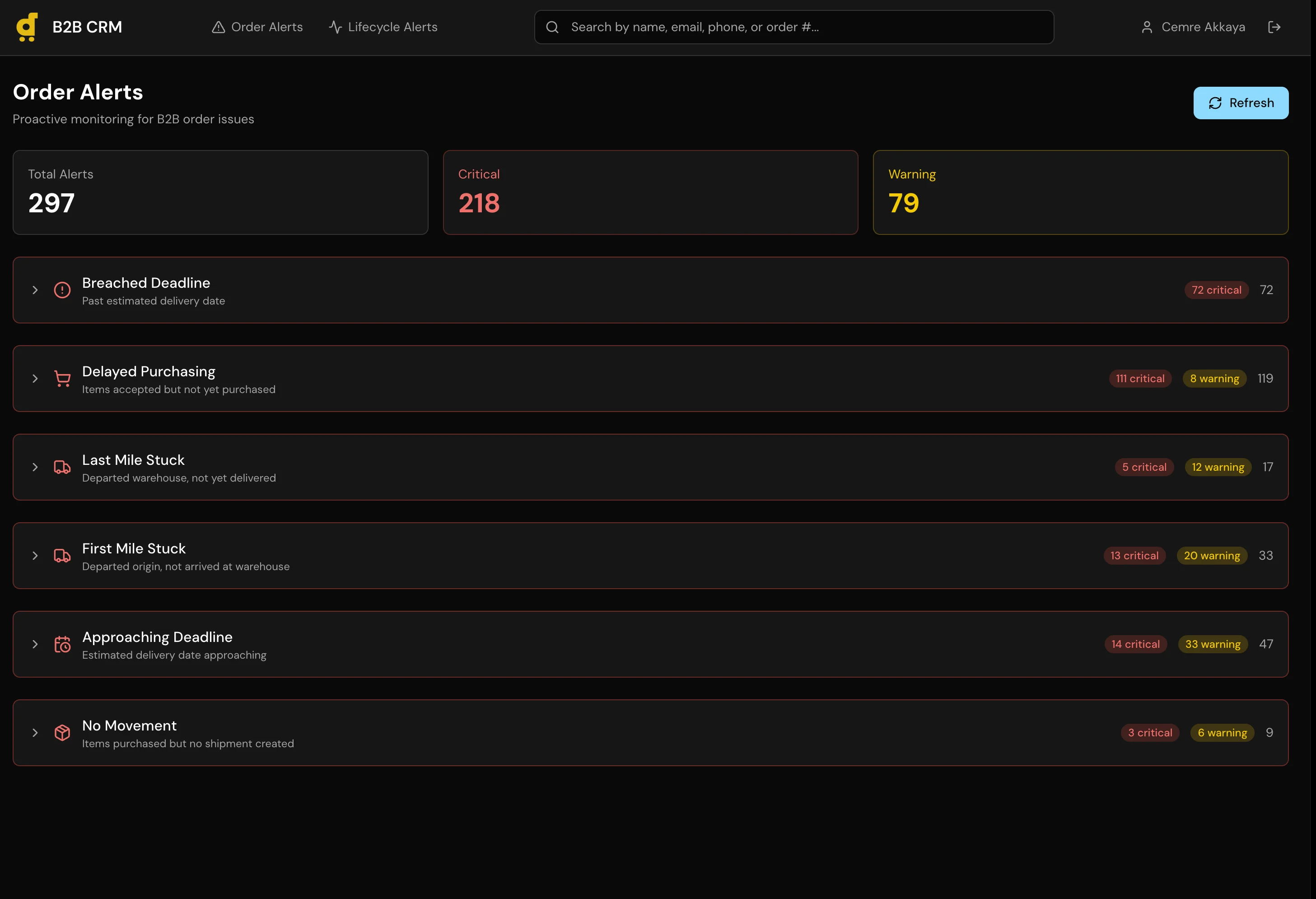
A full CRM with a 6-stage sales pipeline, automatic lead sync, and a dual-database architecture that keeps CRM data completely separated from production.
The Problem
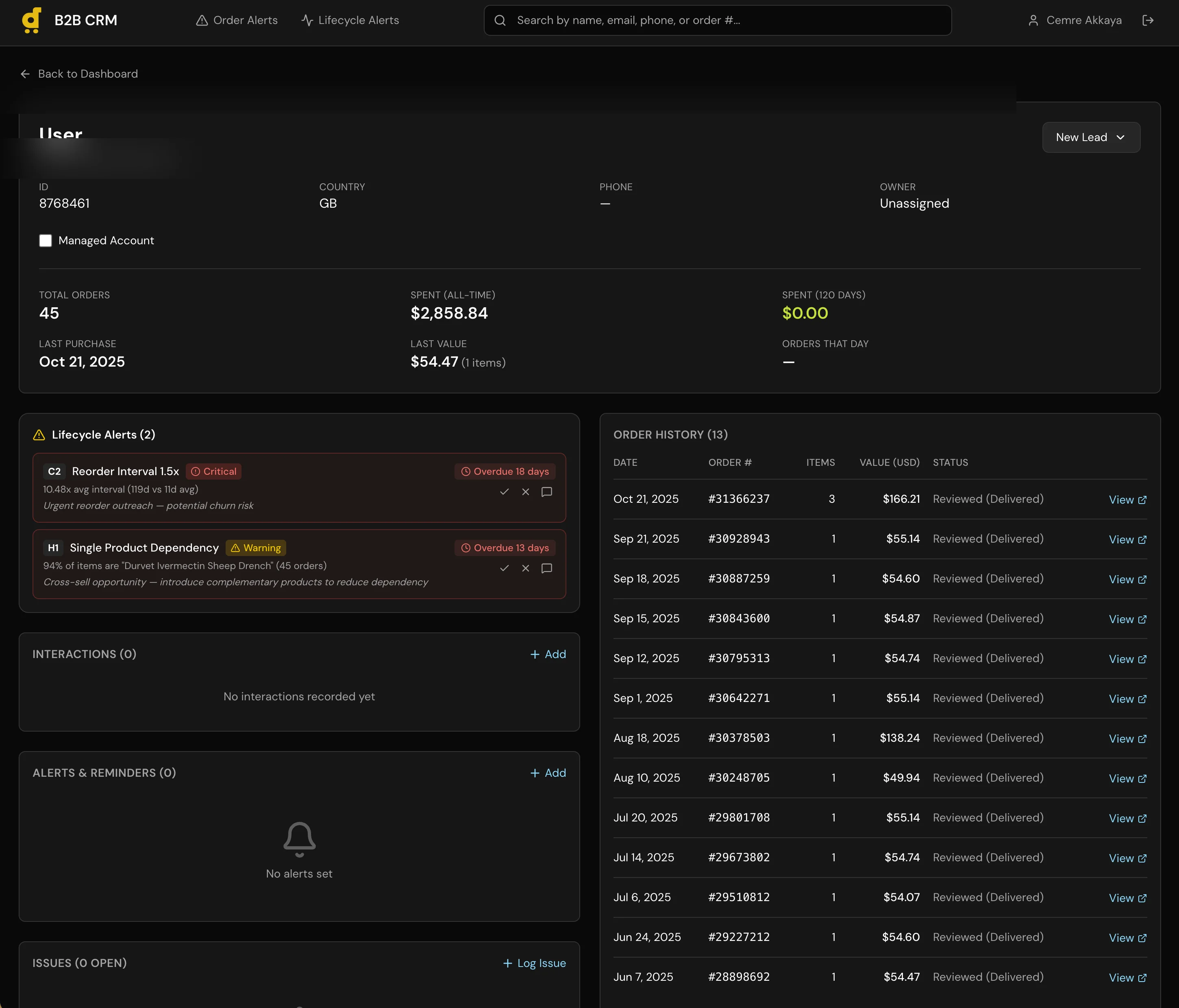
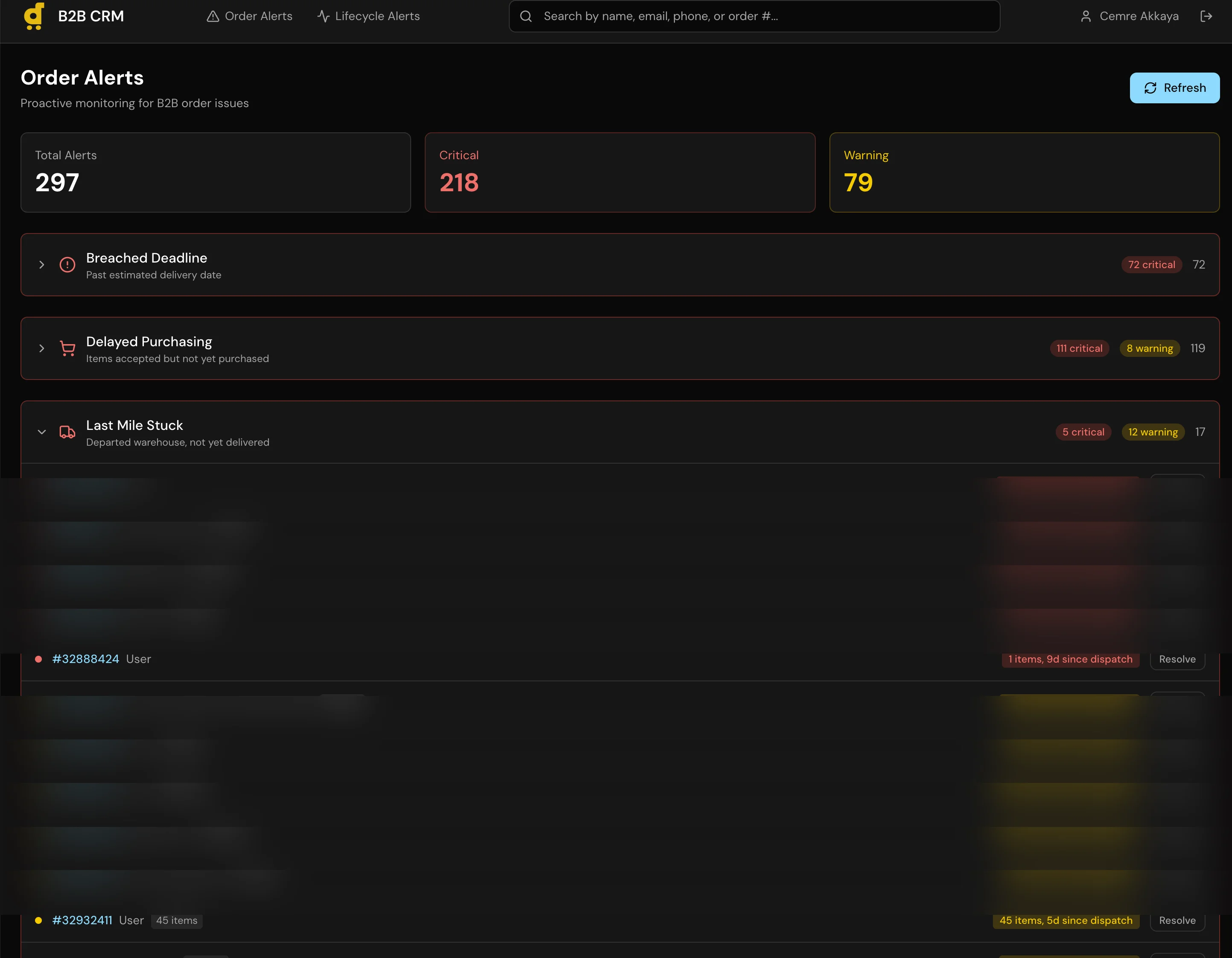
Desertcart operates across 11 markets, and the B2B side of the business had no dedicated tooling. Account managers tracked leads in spreadsheets, order history lived in the production database, and there was no pipeline view showing where each account sat in the sales process. Getting a simple answer like “which B2B customers ordered in the last 90 days but haven’t been contacted?” required pulling data from multiple sources and cross-referencing manually. We needed a CRM, but off-the-shelf options like HubSpot didn’t fit because our B2B data was deeply tied to production order data that lived in our own systems.
The Approach
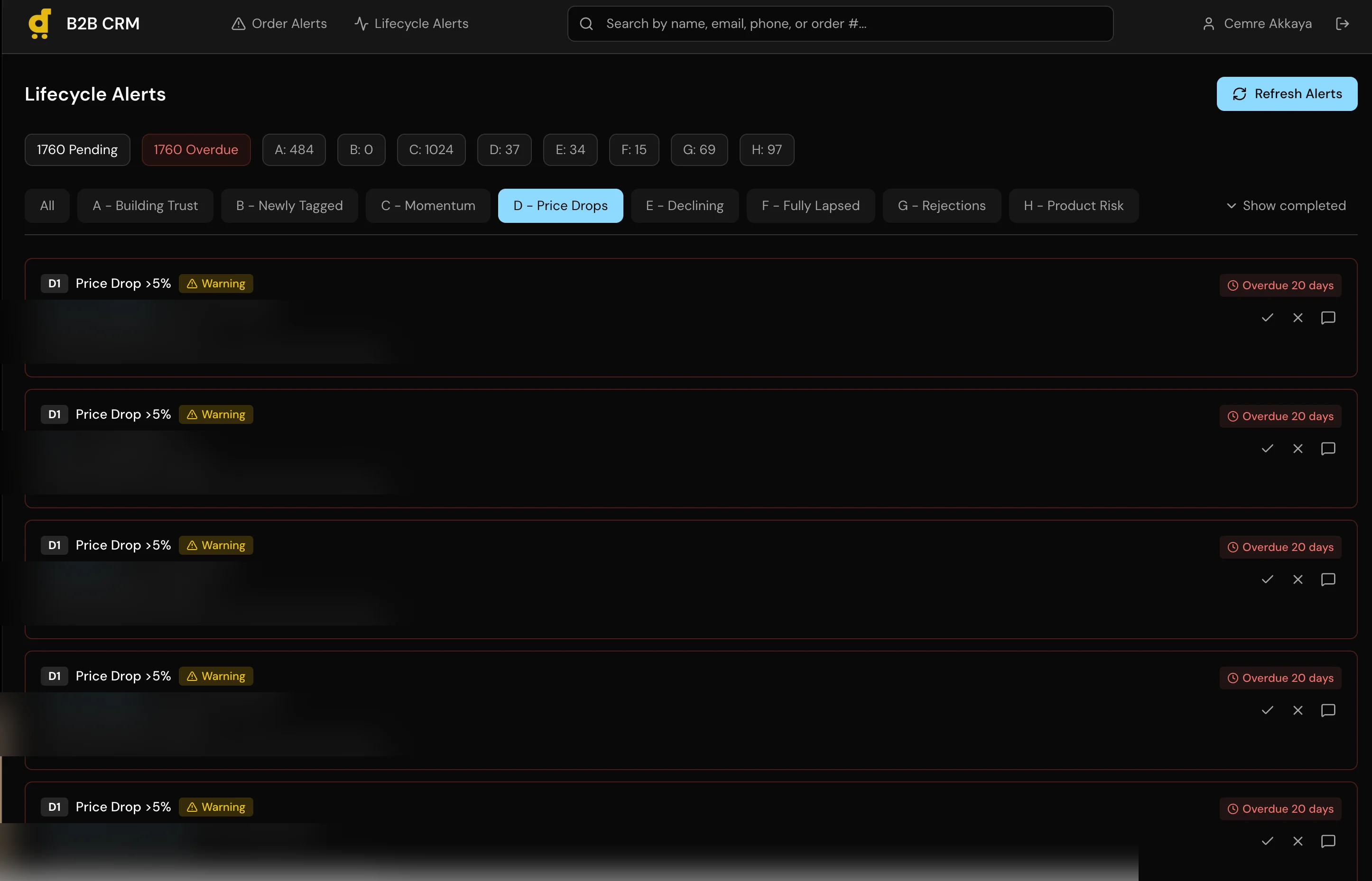
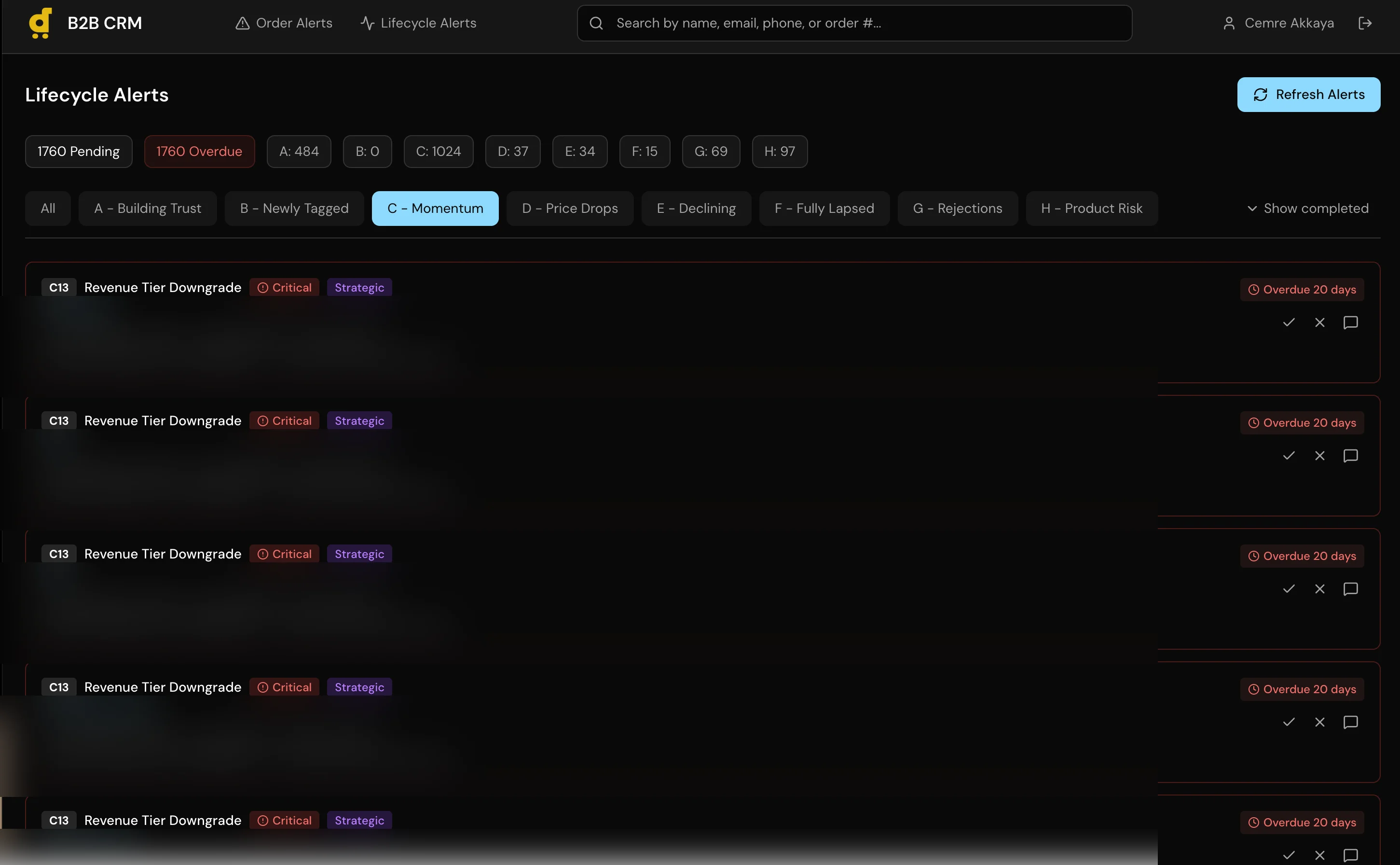
I built a full CRM application with a 6-stage pipeline (Lead, Contacted, Negotiation, Trial Order, Active Account, Churned), per-customer order history with USD conversion across all 11 markets, a recurring alert system for follow-ups, and automatic lead sync that creates Lead records for any B2B customer with orders in the last 120 days.
The core architectural decision was the dual-database setup. CRM data (pipeline stages, notes, alerts, contact info) lives in a local SQLite database managed through Prisma. Production data (orders, revenue, fulfillment status) is read through the Metabase API, the same read-only layer I used in the Agent Assist project. The CRM can query production data but can never write to it. These two data sources merge at the application layer to give account managers a unified view.
Auto-lead sync runs on dashboard load. It queries Metabase for B2B customers with recent orders, checks them against existing CRM records, and creates new Leads for anyone missing. This eliminated the manual step of “someone should add this customer to the tracker.”
The whole thing is roughly 3,362 lines of TypeScript, authenticated through NextAuth.js, and built on Next.js 16 with React 19.
Under the Hood
The auto-lead sync queries production data on every dashboard load and creates CRM records for new B2B customers:
async function syncLeads() {
  // Get B2B customers with orders in last 120 days
  const customers = await getB2BCustomersWithRecentOrders(120);

  // Check against existing CRM records
  const existingLeads = await prisma.lead.findMany({
    select: { customerId: true },
  });
  const existingIds = new Set(existingLeads.map(l => l.customerId));

  // Create leads for new customers
  const newCustomers = customers
    .filter(c => !existingIds.has(c.id));

  if (newCustomers.length > 0) {
    await prisma.lead.createMany({
      data: newCustomers.map(c => ({
        customerId: c.id,
        stage: "new",
        isManaged: false,
      })),
    });
  }
}
The pipeline view sorts by lifetime revenue across all markets, with proper USD conversion:
const stages = [
  { name: "New", slug: "new" },
  { name: "Contacted", slug: "contacted" },
  { name: "In Progress", slug: "in_progress" },
  { name: "Won", slug: "won" },
  { name: "Lost", slug: "lost" },
  { name: "Dormant", slug: "dormant" },
];

// Leads sorted by total lifetime value (descending)
const leadsWithCustomers = allLeads
  .sort((a, b) =>
    (b.customer?.totalSpentUsd || 0) -
    (a.customer?.totalSpentUsd || 0)
  );
Key Decisions
-
Dual-database architecture. The CRM can never write to production. This isn’t just a preference, it’s a safety boundary. An internal tool used daily by non-technical staff should not have write access to order and payment data. Metabase enforces read-only at the query level, and the application never even holds production database credentials.
-
SQLite over PostgreSQL. The CRM serves a small internal team. SQLite means zero configuration, no managed database costs, no connection pooling to think about. The data is backed up with the application. If we ever outgrow it, migrating Prisma to PostgreSQL is a schema change, not a rewrite.
-
Auto-lead sync on dashboard load. Instead of a scheduled job or manual import, leads sync every time someone opens the dashboard. This keeps the pipeline current without a cron job to maintain or a batch process to monitor. For a small team, the slight delay on load is worth the guarantee that the data is fresh.
What I Learned
This was the project where I realized I could build a real internal tool, not a prototype or a demo, but something people use every day to do their jobs. That shift in confidence mattered more than any specific technical skill I picked up.
The harder lesson was non-technical. The first pipeline stages I defined looked logical on paper: Prospect, Qualified, Proposal, Negotiation, Closed Won, Closed Lost. Clean, textbook, and completely wrong. Account managers don’t work that way. I had to sit with them and watch their actual workflow before the stages made sense. The final six stages came from observation, not theory. Technology is the easy part. Understanding your users’ actual workflow is the hard part.
Built for Desertcart. Architecture and tech stack shown. Customer data and revenue figures anonymized.
Screenshots